Prison Tycoon Controls
HUD and movement reference for codes, collecting, building, and combat.
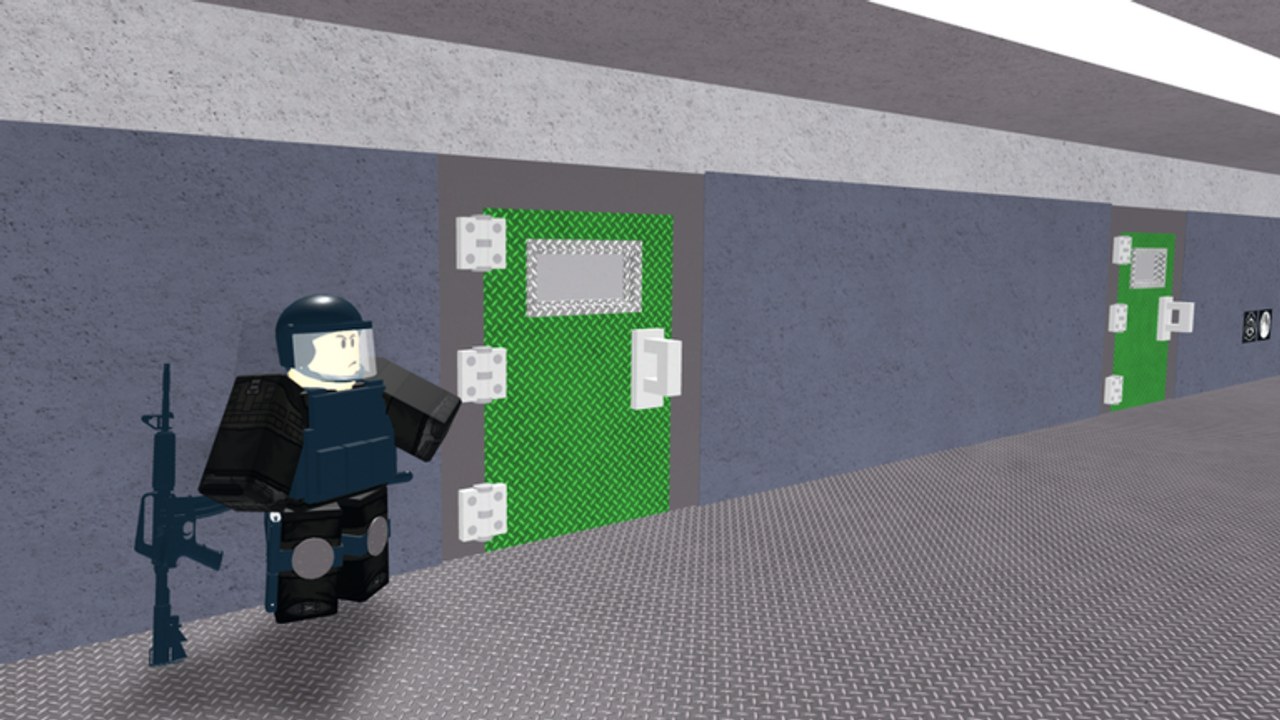
Learning Prison Tycoon controls is half Roblox defaults and half Fat Whale Games HUD. This page maps movement, the blue Twitter bird codes UI, the collect pad, buy buttons, and weapons so you stop dying to menus during raids.
Pair this reference with Getting Started on day one.
Roblox movement defaults (PC)
| Action | Default |
|---|---|
| Move | W A S D |
| Jump | Space |
| Camera | Mouse |
| Sprint / special | Depends on Roblox & device settings |
| Emotes / roblox menu | Esc / Roblox UI |
| Shift lock (if enabled) | Shift |
Exact keybinds can be changed in Roblox Settings. Prison Base Tycoon does not replace the core movement scheme.
Roblox movement (mobile / console)
- Mobile: on-screen joystick + jump button; pinch/drag camera.
- Console: left stick move, right stick camera, face buttons for jump / confirm per Roblox console layout.
Group extra speed from Fat Whale Games stacks on top of normal movement — claim it.
Codes UI — blue Twitter bird
This is the control new players miss most.
- Look to the left side of the screen.
- Click / tap the blue Twitter bird icon.
- In the panel, select the field Type your code here.
- Enter a code from the Codes Hub.
- Press Redeem.
Full walkthrough: How to Redeem Codes.
If the bird is missing, rejoin, check UI scale, and ensure your base has finished loading.
Collect pad
Money droppers fill a collector tied to your tycoon:
- Walk onto the collect pad / collector zone to bank Cash.
- Make collecting part of every loop between buy buttons.
- On busy servers, approach with a weapon out — see How to Raid defense tips.
There is no separate “collect key” beyond entering the pad volume in normal play.
Buy buttons
Upgrades appear as glowing pads or buttons around your prison:
- Earn enough Cash.
- Walk onto / activate the button for droppers, walls, rooms, floors, vehicles, or weapons.
- Watch the prison piece build.
- Find the next gated button — floors often hide higher tiers.
If a button does nothing, you lack Cash or a prerequisite section. Economy order is covered in How to Make Money.
Weapons controls
- Equip guns from your backpack / hotbar using number keys on PC or the tool carousel on mobile.
- Click / tap to fire (tool-specific).
- Keep a mid or S-tier weapon equipped while collecting on full servers.
- Group free weapon and later Laser / Freeze / minigun picks are ranked on Weapons Tier List.
Holstering to build is fine on quiet servers; it is risky on contested ones.
Vehicles
After garage unlocks:
- Approach the vehicle spawn / seat to enter.
- Use normal move controls to drive; aerial late unlocks add vertical movement.
- Exit with the standard Roblox dismount control for your device.
Police car and helicopter style unlocks are late mobility tools — buy timing guidance lives in long-term goals and the tier list.
Useful HUD checklist
- Bird icon found (codes)
- Collector location memorized
- First dropper buttons located
- Weapon hotbar slot chosen
- Fence / gate path practiced
- Group rewards claimed
Quality-of-life tips
- Camera height helps spot rival raiders over fences.
- Fullscreen / higher resolution on PC makes left icons easier to hit.
- Autocorrect off when typing codes on mobile.
- Do not cover the left HUD with third-party overlays.
- After patches, icons rarely move — but if something vanishes, check Updates and rejoin.
Controls versus scripts
Players sometimes install walkspeed or auto-buy scripts instead of learning pads. That risks bans and breaks after updates — read Scripts Hub. Legitimate speed comes from the group reward and better routes.
Practice routine (5 minutes)
- Join, claim/load base.
- Open bird UI, confirm it works (even if you already redeemed).
- Collect once.
- Buy one cheap button.
- Equip weapon, walk the fence line.
- Optional: short scout toward a neighbor without committing.
Related pages
- Getting Started
- How to Redeem
- How to Make Money
- How to Raid
- Guides Hub
- Players for community help if a UI bug appears
Master the bird, the pad, and the hotbar — every advanced Prison Base Tycoon strategy assumes you can use all three without thinking.
Frequently Asked Questions
Quick answers to the most common Prison Tycoon questions.
Where is the codes button in Prison Tycoon?
On the left side of the HUD — the blue Twitter bird. Open it, type the code, and press Redeem.
How do I collect money?
Walk onto your tycoon’s collect pad / collector zone. No special chat command is required.
How do I buy upgrades?
Earn Cash, then step on the glowing buy buttons around your prison for droppers, sections, weapons, and vehicles.
How do I get more movement speed?
Join the Fat Whale Games group for an official extra speed reward. Avoid illegal walkspeed scripts.
Are controls different on mobile?
Movement uses the touch joystick, but codes, collect pads, and buy buttons work the same — watch autocorrect when redeeming.